Three rooms, one project
Studio is where you plan. Generate is where shots get made. The Editor is where the episode comes together. Everything below is in the app today.
Plan the episode before you render a frame
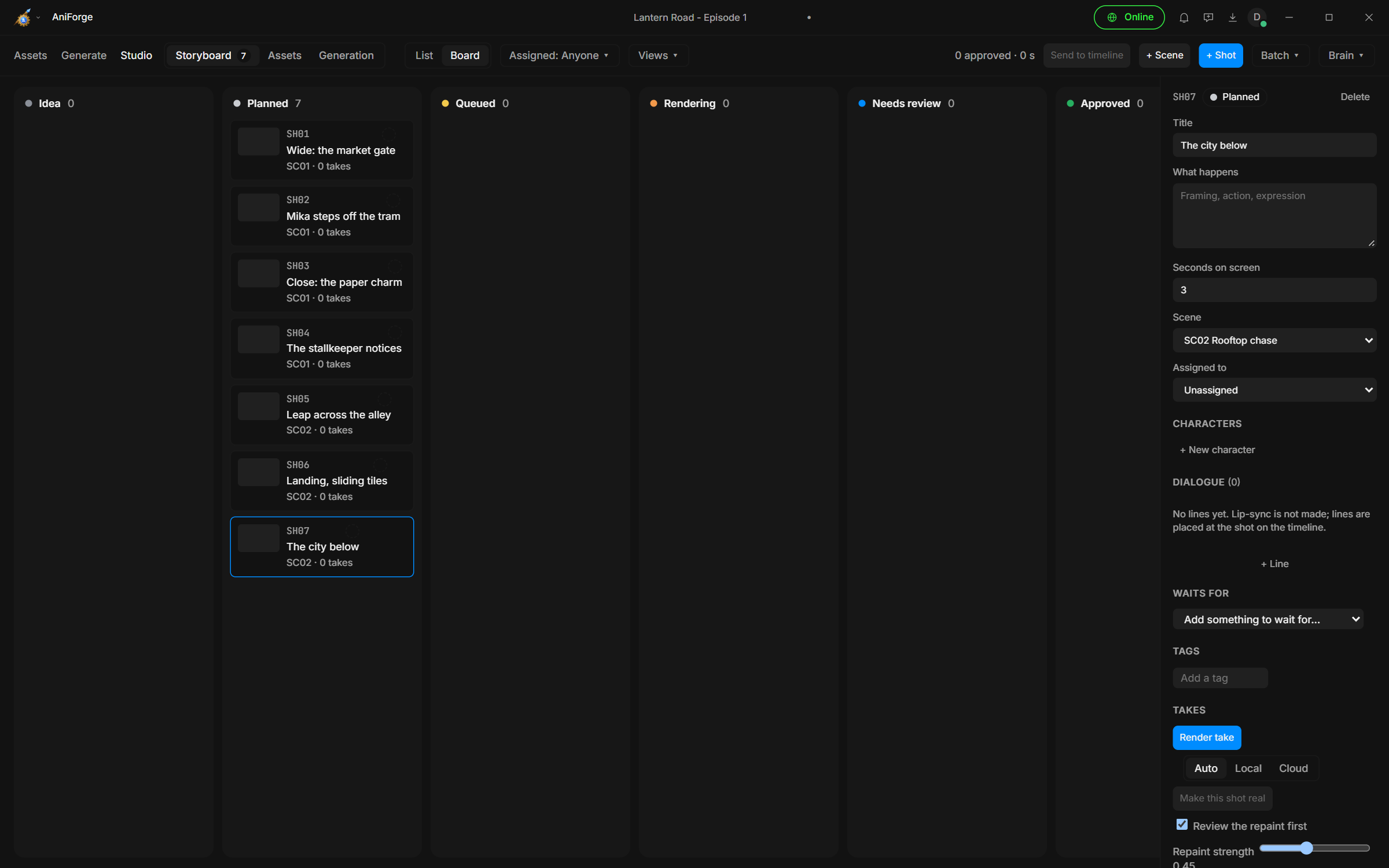
Break the story into scenes and shots. Each shot keeps its own notes, dialogue, takes and history, so nothing lives in your head or a spreadsheet.
- List and board views of every shot
- Six clear states, from Idea to Approved
- Scene notes that every shot in the scene uses
- Send approved shots straight to the timeline
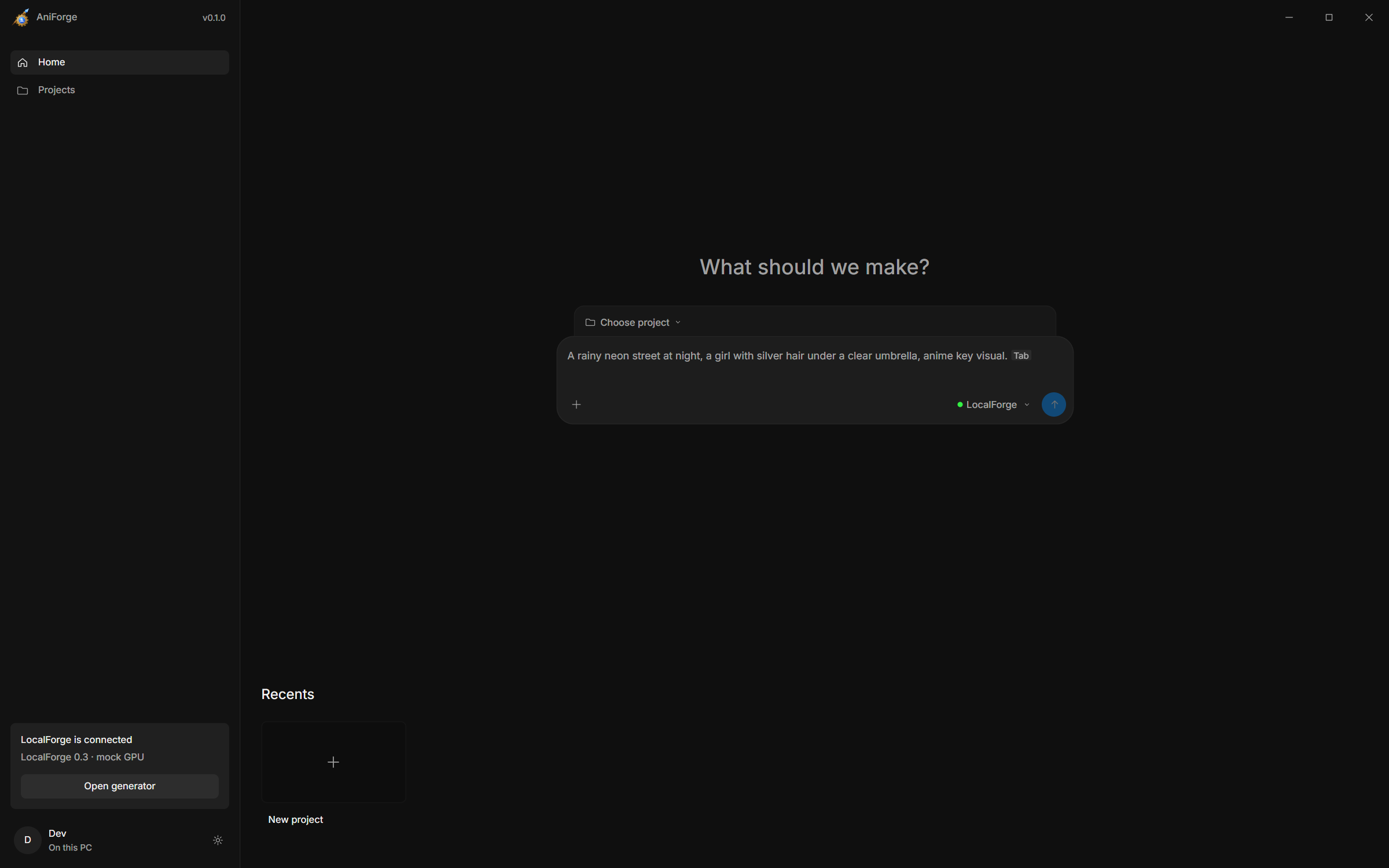
Describe a shot. Make it on your own PC.
Write what you want to see and AniForge makes the picture with LocalForge, the engine that runs on your graphics card. Approve a picture and it becomes a moving clip.
- Pictures from a description
- Repaint a picture with new words, keeping what works
- Turn an approved picture into a short video clip
- Every version is kept, so you can go back or branch
Cut it together on a real timeline
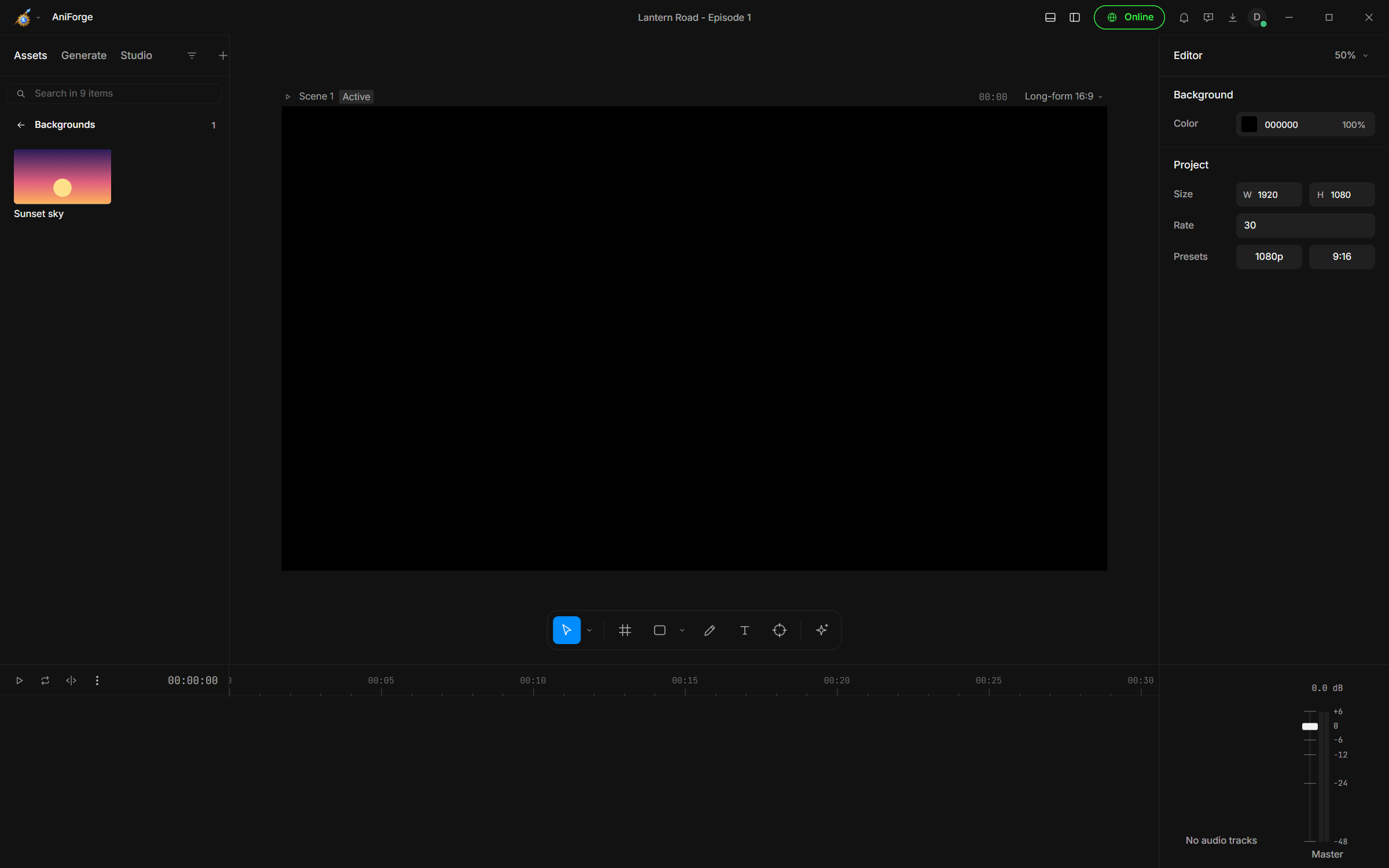
A multi-track editor built into the same app. Trim, split and layer your clips, add music and sound, and export the finished episode.
- Multi-track timeline with snapping and ripple delete
- Layered preview with scale, position and opacity
- 100 steps of undo
- Export to MP4, MOV or WebM
The details
Scenes and shots
Takes with history
Nine asset shelves
Picture to video
Layered preview
Batch rendering
Autosave
One export
Your PC first. The cloud only when you ask.
Every job shows where it will run before it starts.
On this PC
Pictures and clips are made by your own graphics card. Your scripts, characters and renders stay on your machine. A project can be set so it is never sent anywhere.
In the cloud
When a shot needs more power than your PC has, send just that job to the cloud. You see the price before it runs and confirm anything over your own limit.
Be first to make an episode
Leave your email and we will tell you when early access opens.
One email when early access opens. Nothing else.